There are a number of ways to use text-to-speech on Android devices and they typically rely on the built-in Google Text-to-Speech voices. But how can you change the voices?
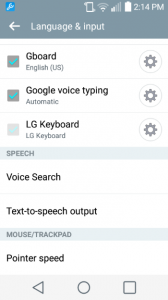
First, go to your device settings and tap on “Language and Input.” From there, choose “Text-to-Speech Output.”
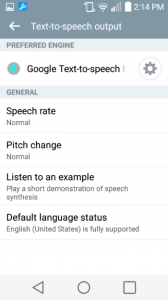
Next, tap on the settings wheel next to “Google Text-to-speech.”
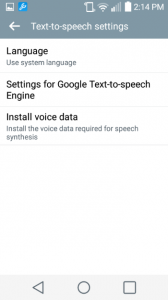
And then choose “Install voice data.”
A number of voices are available. Choose your preferred language and dialect. 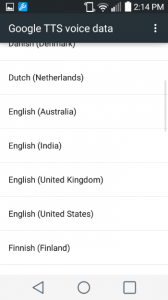
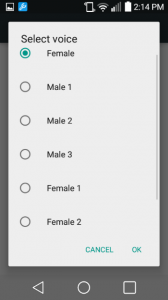
Then select the voice and tap “OK.”
 Choosing a new voice will take up memory on your phone, but you may find it worth it.